
To delete a what-if plan which you have already set up, open the client record then click the plan name in the top right-hand corner of the screen, next to the client name.
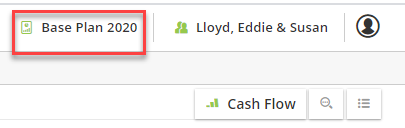
This will bring up a list of the plans in the client record. Click Manage Plans.

Click the name of the plan you wish to delete. Then click Delete.

A warning message will appear, click Delete to complete the deletion.
